How it works
Set it up once. Let the dashboard do the remembering.
Most departments have their first station fully mapped and stocked in under 30 minutes.
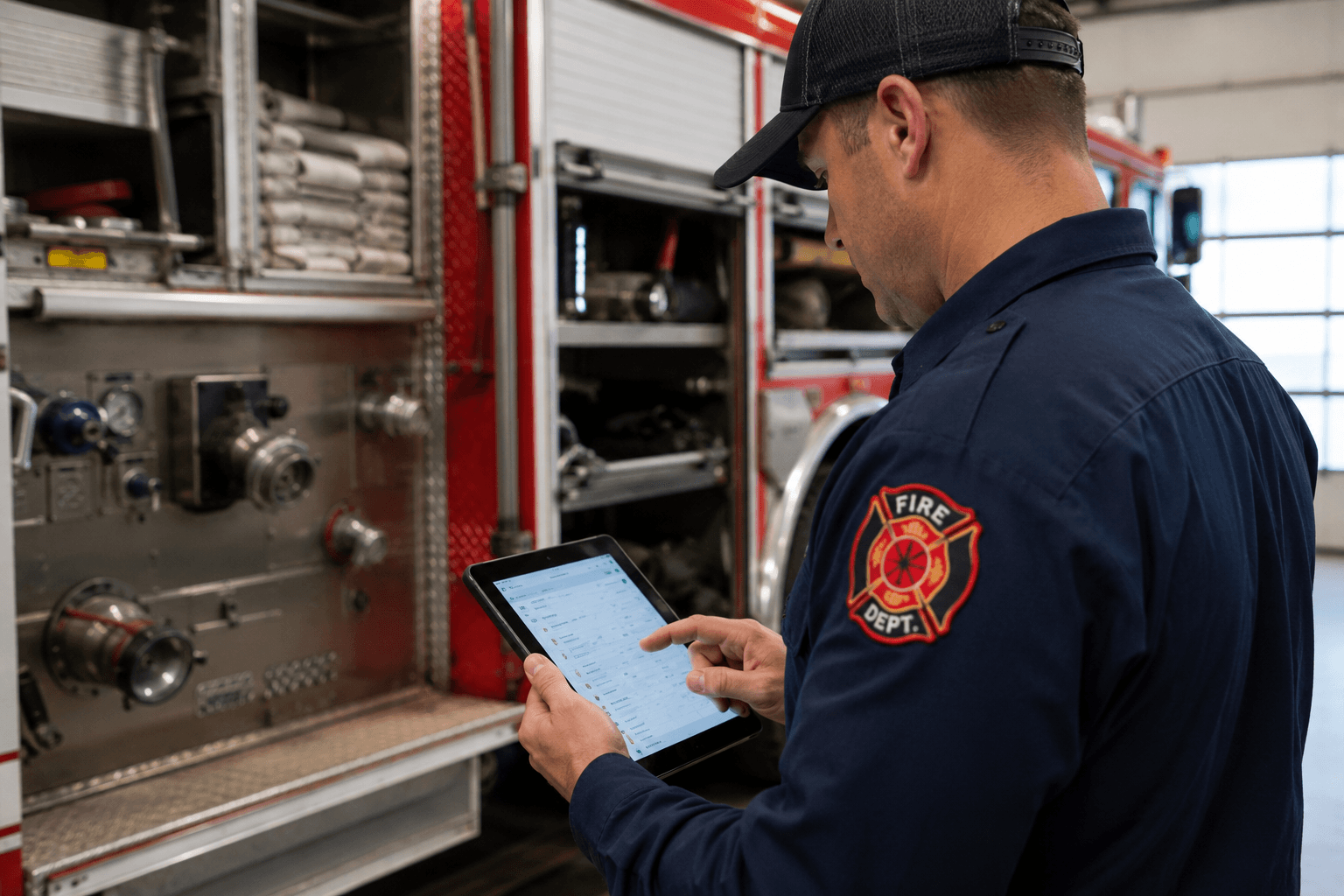
Map your stations and apparatus
Add each fire house, then the trucks and rooms inside it — engines, ladders, ambulances, gear rooms, SCBA closets, whatever your department actually has.
Log what's on board
Every compartment and shelf gets the items that actually live there, organized in the hierarchy your crew already thinks in: station → truck or room → compartment → item. Already have a spreadsheet? Import it, review the preview, and you're done. We can load it for you when you're onboarded.
Set par levels and schedules
Minimum quantities, expiration dates, and inspection intervals — set once per item. For turnout gear, optionally track NFPA 1851 manufacture date, cleaning cycles, and retirement reminders.
Add your crew
Load your roster from a spreadsheet or add people one at a time. Each person gets an email invite to set their own password, and their login pairs with their roster entry so they see their own gear and drives.
Check trucks and log drives
Each truck gets a pre-trip checklist the crew completes on a phone, with failures flagged until they're resolved. Drivers log time behind the wheel, and admins see hours by driver and by truck.
Let the dashboard do the watching
Your crew checks items off as they inspect them. BunkerTrack tracks what's coming due — on a dashboard, a calendar, and a purchase forecast that looks months ahead.