Fire department inventory & asset management
Every piece of gear, accounted for.
BunkerTrack tracks what’s on every truck and in every station — where it lives, when it expires, and when it’s due for inspection — so nothing gets missed between calls.

The problem
Spreadsheets don’t flag an expired kit until someone reaches for it.
“We found out a set of gear was past its retirement date because it failed — not because anyone was tracking it.”
“Every truck has its own checklist on paper. Nobody at the station knows what’s actually on Engine 2 without walking out and looking.”
“Restocking is whoever remembers to check the cabinet — there’s no par level, no alert, no record.”

See it in action
One screen shows what needs attention across every station.
A readiness score, the next four weeks of inspections and cleanings, and every expired, overdue, or low-stock item sit on one screen. The calendar and turnout gear records are one click away.
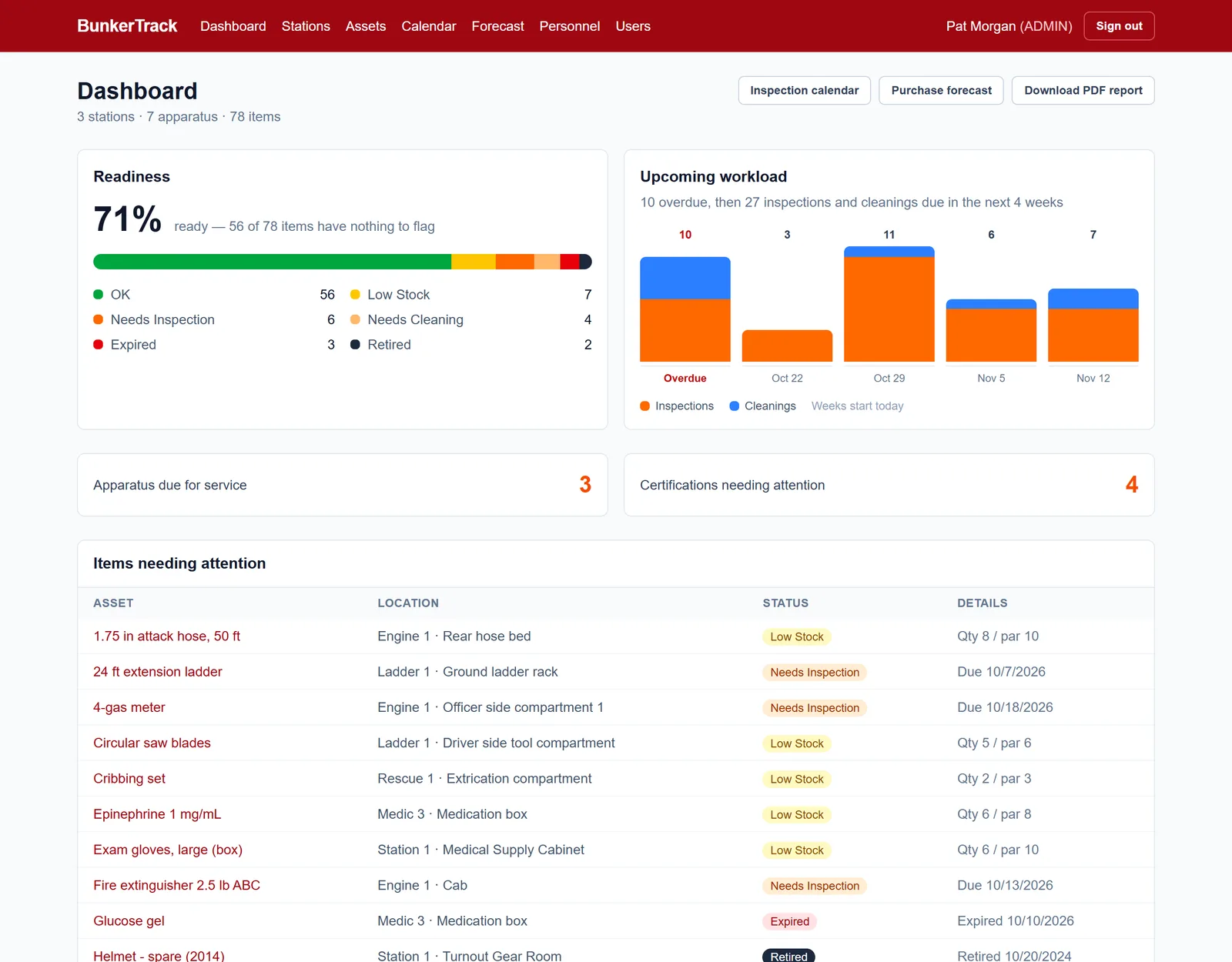
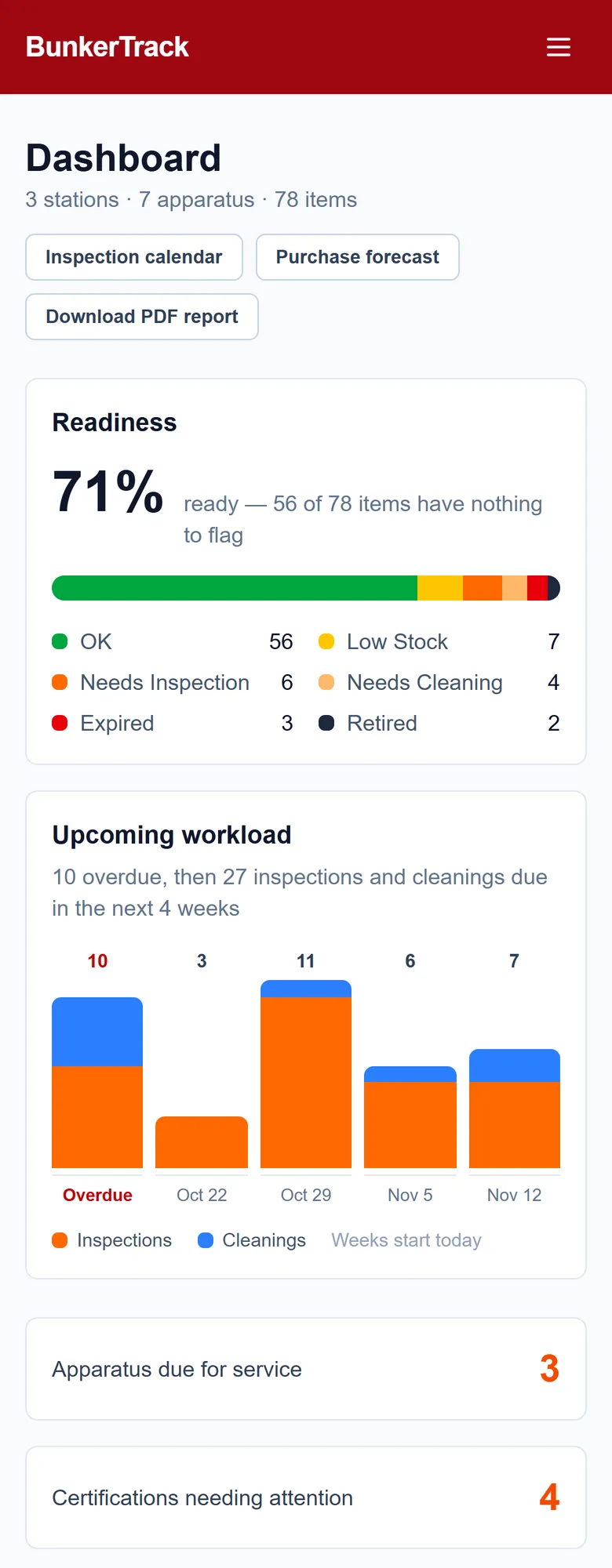
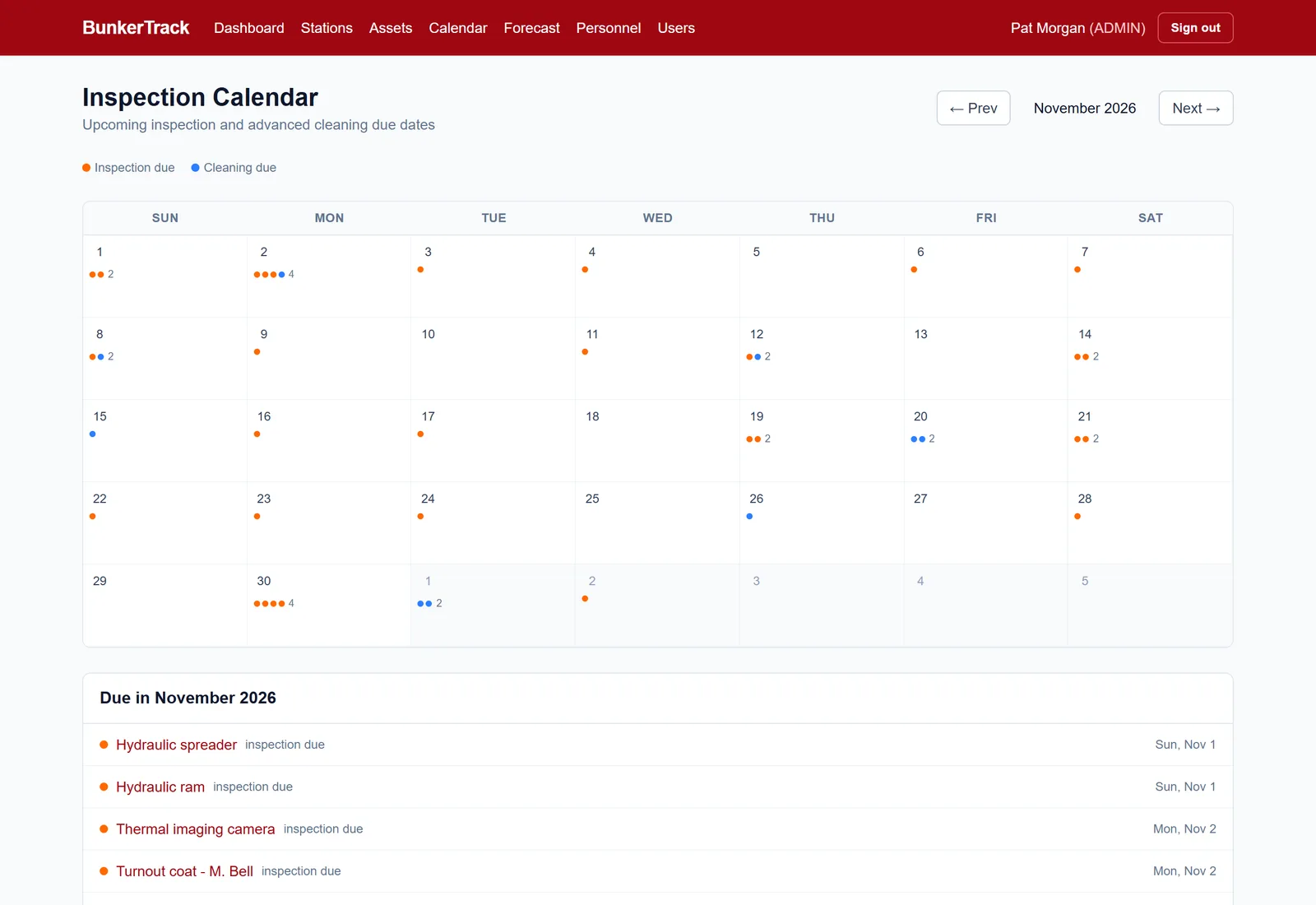
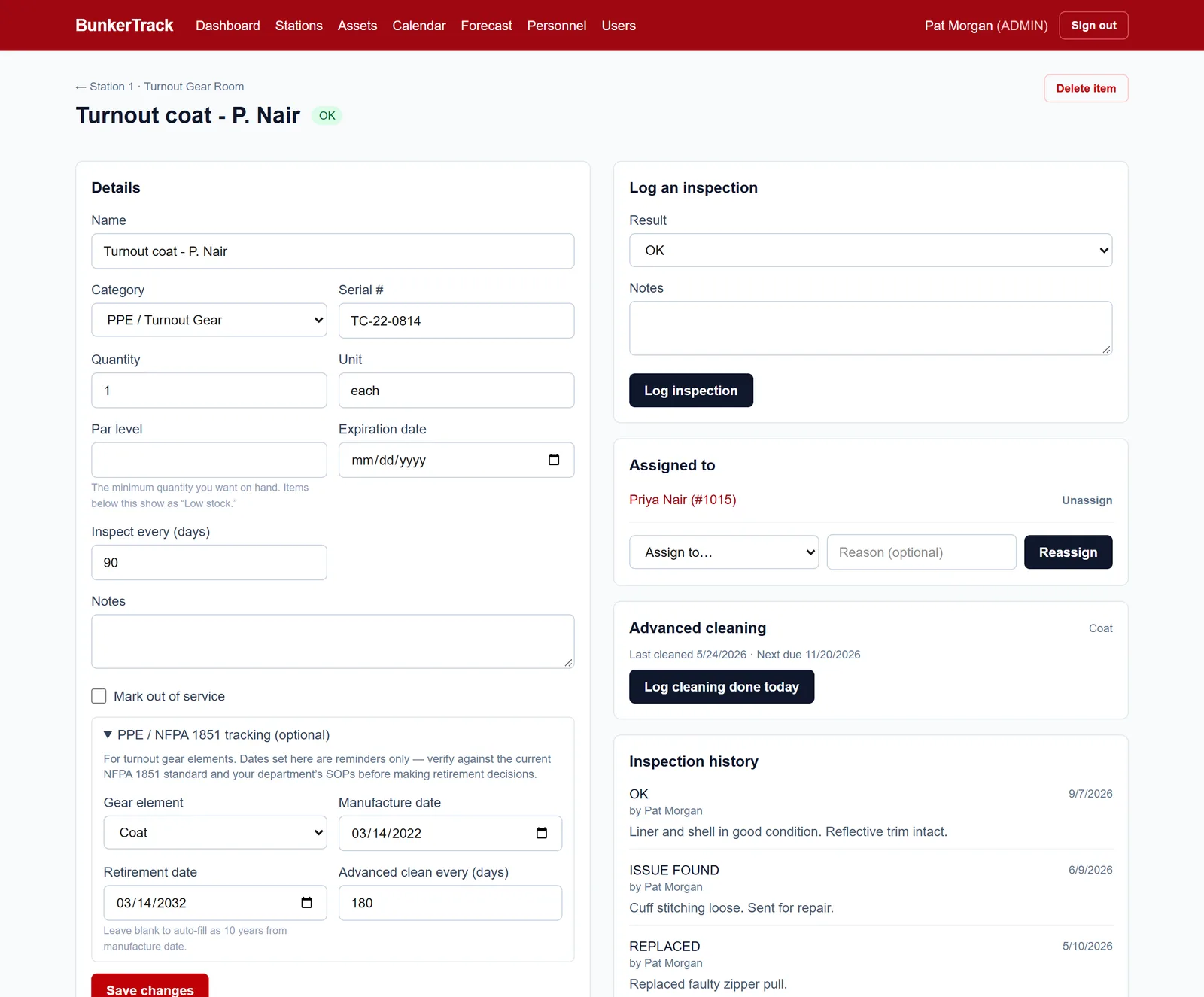
Screenshots show sample data for a fictional fire department. Take the full tour →
How it works
Set it up once. Let the dashboard do the remembering.
Map your stations and apparatus, log what’s on board, set par levels and inspection schedules — then let the dashboard track what’s coming due.
See the full walkthrough →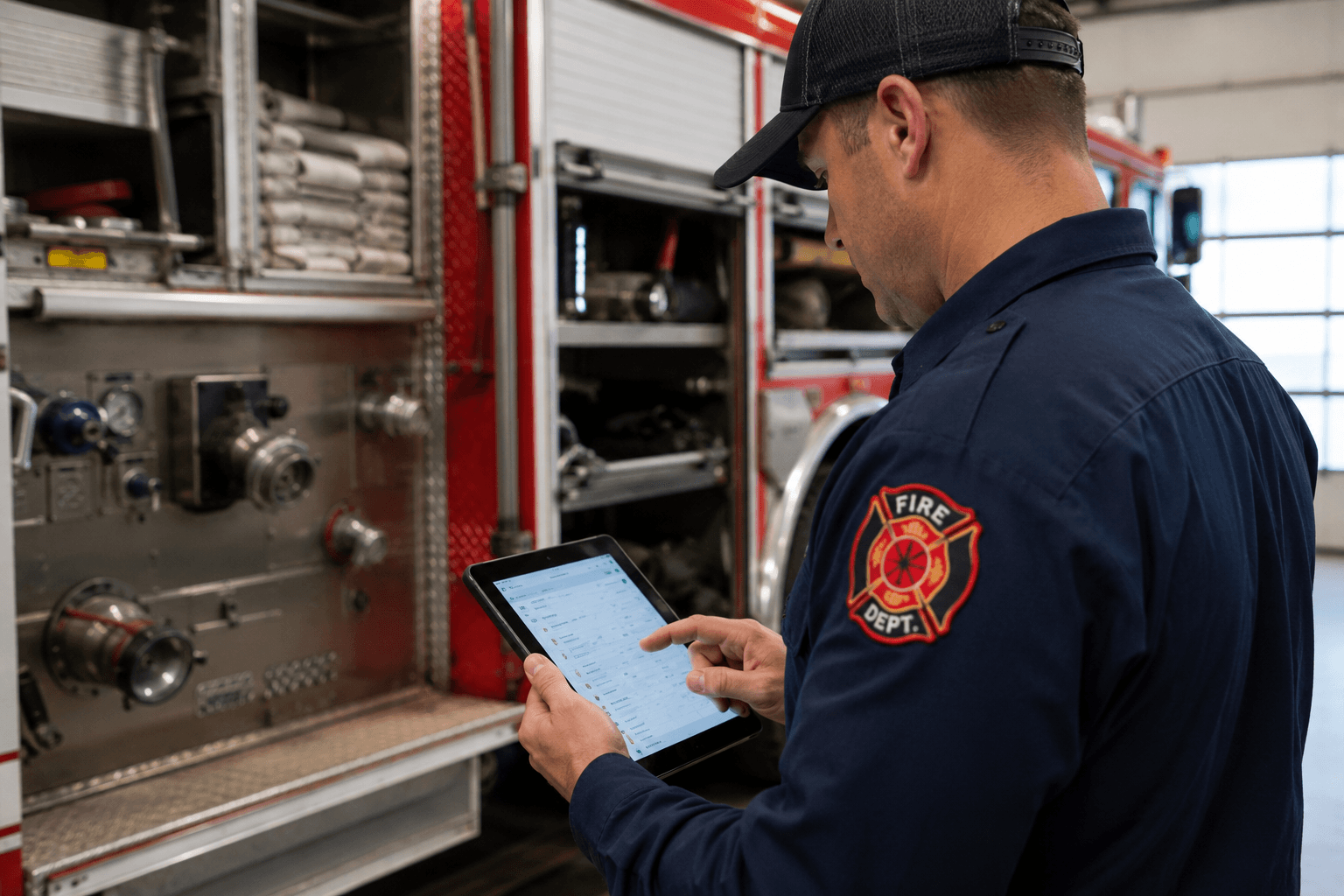
What’s included
Everything you need to run inventory — nothing you have to configure.
Nothing expires unnoticed
Set an expiration date once. BunkerTrack flags it on the dashboard before it lapses, not after someone finds it on scene.
A calendar for every due date
See every upcoming inspection and gear cleaning on one calendar instead of scattered across item pages.
Know what to buy, and when
A rolling forecast of what's low, expired, or coming due for replacement over the next month, 6 months, year, and two years.
One dashboard, everything that needs eyes
Expired, overdue for inspection, below par — it's one table, sorted by what matters, not a folder of spreadsheets to reconcile.
Pre-trip inspections on a phone
A checklist for every truck. Mark Pass or Fail in the bay, certify with one button, and any failure flags the truck until it's resolved.
A driving log for every truck
Drivers log time behind the wheel from their phone. See hours by driver and by truck, with a CSV for your records.
Set up in minutes, not weekends
Import your inventory and roster from a spreadsheet, then invite your crew by email. No one hands out a password.
Your data stays yours
Each department is walled off from the others. If you ask for help, support sees a read-only view, and your admins can see every visit.
Pricing
One flat monthly rate per department.
No per-user fees, no per-station charges, no add-on modules. Every account includes a free trial period to set things up before you commit.
See pricing details →Ready to see what’s actually on your trucks?
Departments are onboarded directly — reach out and we’ll get your stations, apparatus, and first logins set up.
Email us to get started